
Tesla's app finally has a layout built for large screens. It covers the iPad, Apple's foldable iPhone Duo, and Android tablets and foldables, which until now ran a stretched copy of the phone app. Tesla UI engineer Alex Guichet announced it on X at 15:46 UTC on 21 October 2026: "rolling out now… Finally on the big screens you bring around with you." Version 4.62.0 appeared in Apple's App Store at 18:36 UTC the same day with only the standard "minor fixes and improvements" note. The list below therefore comes from Tesla's own screenshots and Not a Tesla App's walkthrough. The previous entry in this series is app 4.61.6.
What changes on a tablet
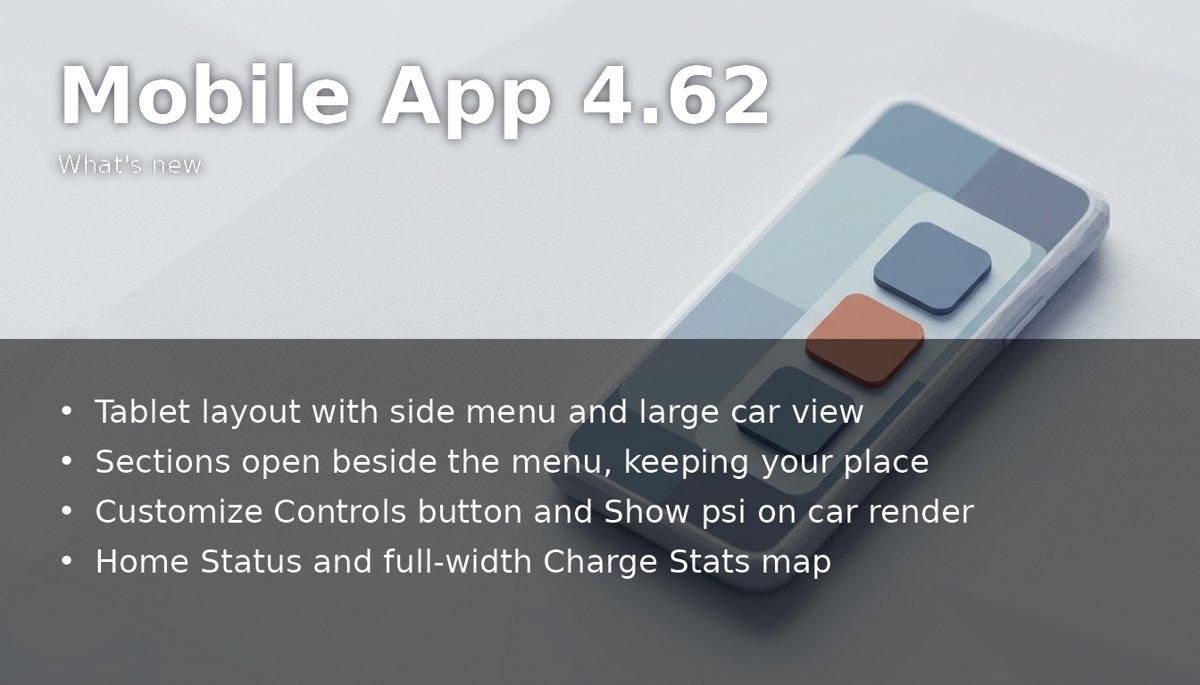
- Side menu and a large car view. The menu runs down the left: Controls, Climate, Location, Self-Driving, Summon, Charging, Set Schedules, Security & Drivers and Safety Score, with status lines such as the cabin temperature and the share of driving done on Self-Driving. The right side shows a large render of the car, styled like the parked view on its own screen, from which the frunk, boot, locks and charge port can be operated.
- Sections open beside the menu. Opening Charging, for example, keeps its submenu on the left while the details fill the rest of the screen, so you no longer lose your place.
- Customize Controls and Show psi. The quick actions under the car (Flash, Honk, Start, Vent) gain a Customize Controls button, and Show psi puts tyre pressures directly on the car render.
- Energy and charging statistics. Solar and Powerwall owners get a Home Status screen with a 3D house showing solar, battery, home, grid and car-charging flows, alongside Energy, Impact, Virtual Power Plant and Go Off-Grid. Charge Stats shows a full-width map of the Superchargers you have used, energy charged, money spent and saved, and a monthly breakdown.
- iPhone Duo support. On Apple's foldable, the inner display uses the large-screen layout and the outer display switches back to the phone layout.
A slow rollout
Guichet says the rollout is deliberately slow and "may take an extra week or two for everyone to get it", while Tesla checks that the layout looks right on every screen size. He adds that the designers "rethought many screens across the app" and that more improvements will follow in later updates. Tesla has not said whether the Android version arrives at the same time as the iPad one.
What it means for owners
Nothing changes in the car itself. The redesign matters most to owners who manage a car, and often a Powerwall, from a tablet at home, and to anyone who has moved to a foldable phone. The app is the same worldwide, so European owners should see the same layout as the rollout reaches them. Tesla has published no release notes for 4.62, so any other changes in the version are undocumented; this series will add them once they are known.
Update: 2026-10-23
Not a Tesla App has published release notes for 4.62.0, listing four changes beyond the tablet layout, all found in the app's code and text rather than announced by Tesla. Wall Connector sharing would let an owner give up to five other users access to a single Wall Connector without sharing the whole energy site, its address or the Powerwall and solar controls. The in-app text says a user who joins "can charge with this Wall Connector and manage its charging settings", and that "the owner can view charging activity related to you, such as charge history". FSD referrals would reward an owner with free FSD (Supervised) time on a vehicle of their choice when someone subscribes through their link. X Money appears as a future payment method for the Tesla Shop, Supercharging and FSD subscriptions, after it first turned up in the Robotaxi app's code. The Virtual Queue, still being tested at five US Supercharger sites, gets small tweaks. Tesla has announced none of these. Source: Not a Tesla App: Tesla App 4.62.0 release notes.