
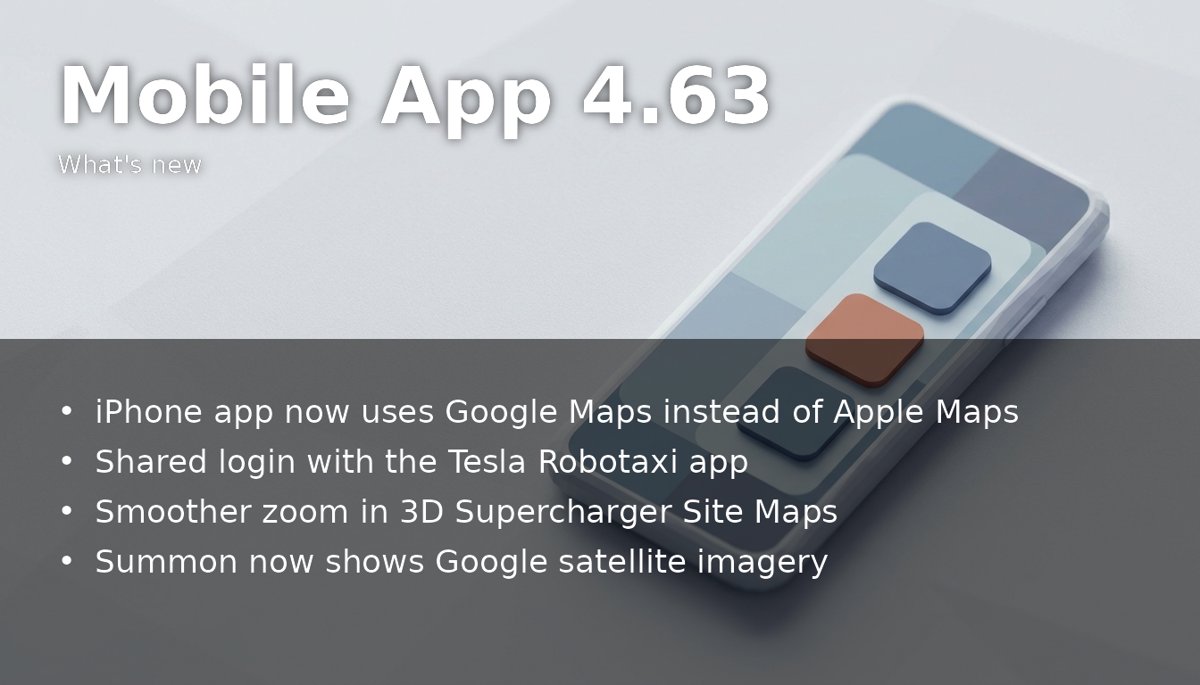
Tesla released version 4.63.0 of its phone app on the App Store on 18 November 2026. The App Store listing names one change: "Shared login support with Tesla Robotaxi app - download now on the App Store." Not a Tesla App found a second change that the notes leave out: the iPhone app has moved from Apple Maps to Google Maps. The previous entry in this series is app 4.62.5 of 6 November.
What changed
- Shared login with the Robotaxi app. The Tesla app and Robotaxi, Tesla's separate ride-hailing app, now share a sign-in. Robotaxi already used Tesla Account credentials, Tesla North notes, so the update links the two apps rather than bringing accounts to Robotaxi for the first time.
- Google Maps on iPhone. The iPhone app now draws its maps with Google's tiles instead of Apple's, as the Android app always has. Not a Tesla App says owners see the change when they check the car's location, pick a destination or use Summon, which now shows Google's satellite imagery. The large-screen layout for iPad and iPhone Duo uses Google Maps as well.
- Smoother Supercharger Site Maps. The 3D Site Maps that came with app 4.61 in September were already drawn with Google Maps, so zooming into one on an iPhone stuttered while the app switched map providers. With one provider throughout, the zoom is now smooth. The view still cannot be rotated or tilted, as it can on the car's screen.
What it does not change
Tesla's support page, cited by Tesla North, lists Robotaxi rides in limited areas of eight cities in Texas and Florida, so the shared login has no practical use in Europe yet. The release notes announce no new service areas. The Supercharger clustering that arrived in the car with firmware 2026.44.1, which groups nearby sites into one numbered marker when the map is zoomed out, has not reached the app.
In the code, but not switched on
Not a Tesla App also decompiled 4.63.0 and found buttons labelled "Precondition Battery" and "Stop Preconditioning". Tesla has not announced the feature, and owners cannot use it yet. According to the site, the car currently warms its battery for fast charging only when it navigates to a Supercharger or to another fast charger it knows. The text in the code reads: "You can also start preconditioning manually to maximize your charging performance. Begin one hour before you plan to charge. Once optimal pack temperature is reached, it will be maintained for thirty minutes."
The code also holds error messages for a car that is already connected to a fast charger, for a battery level that is too low and for a model that does not support the feature. It says preconditioning "does not noticeably improve charge rates at AC chargers", and it does not say which models will get the button. The firmware researcher known as green separately reported "some rework" of battery preconditioning in recent vehicle software.
What it means for owners
For European owners, the useful part is still to come. A manual button would let a driver warm the pack before a stop at a third-party fast charger that the car does not precondition for, or when the charger is only a few minutes away and navigation would start too late. In winter, a cold pack is what slows charging most. Until Tesla switches it on, 4.63.0 brings the new map look on iPhone and the shared sign-in.